“Best Graphic Design Software for Non-Designers”: Easy & Powerful Picks

Looking to create stunning visuals but worried you’re not a professional designer? You’re not alone.
Finding the right graphic design software that’s easy to use and delivers great results can feel overwhelming. But what if you could pick a tool made just for people like you—no confusing menus, no steep learning curves, just straightforward features that help your ideas come to life?
You’ll discover the best graphic design software for non-designers that lets you create eye-catching designs quickly and confidently. Ready to turn your creative spark into polished projects? Keep reading and find the perfect match for your design needs.
Credit: esoftskills.com
Top Tools For Beginners
Choosing the right graphic design software helps non-designers create stunning visuals. Popular options vary in features and ease. Comparing them helps find the best fit for your needs. Key factors include usability, flexibility, learning, support, and tool integration. These areas impact your design experience and final results.
Ease Of Use
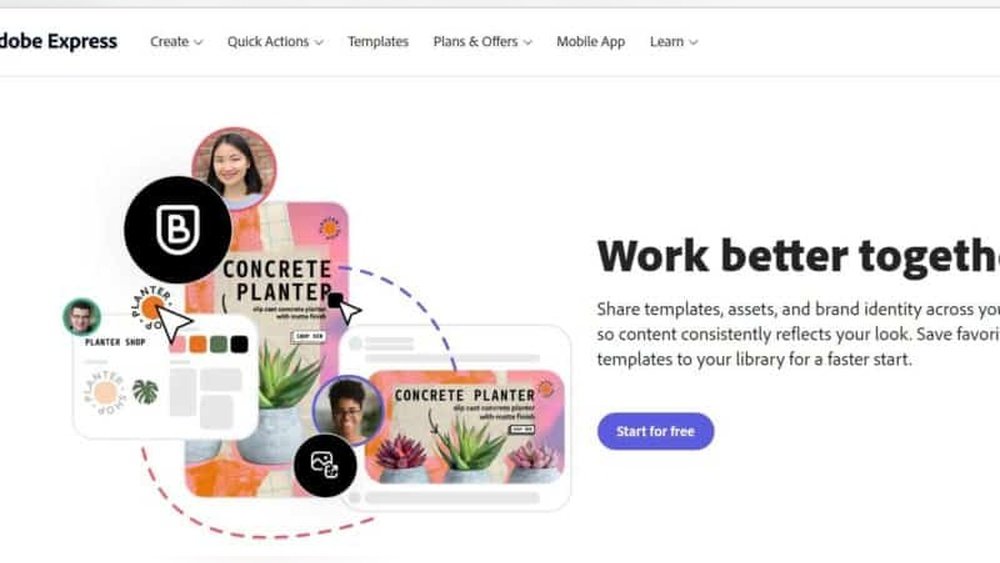
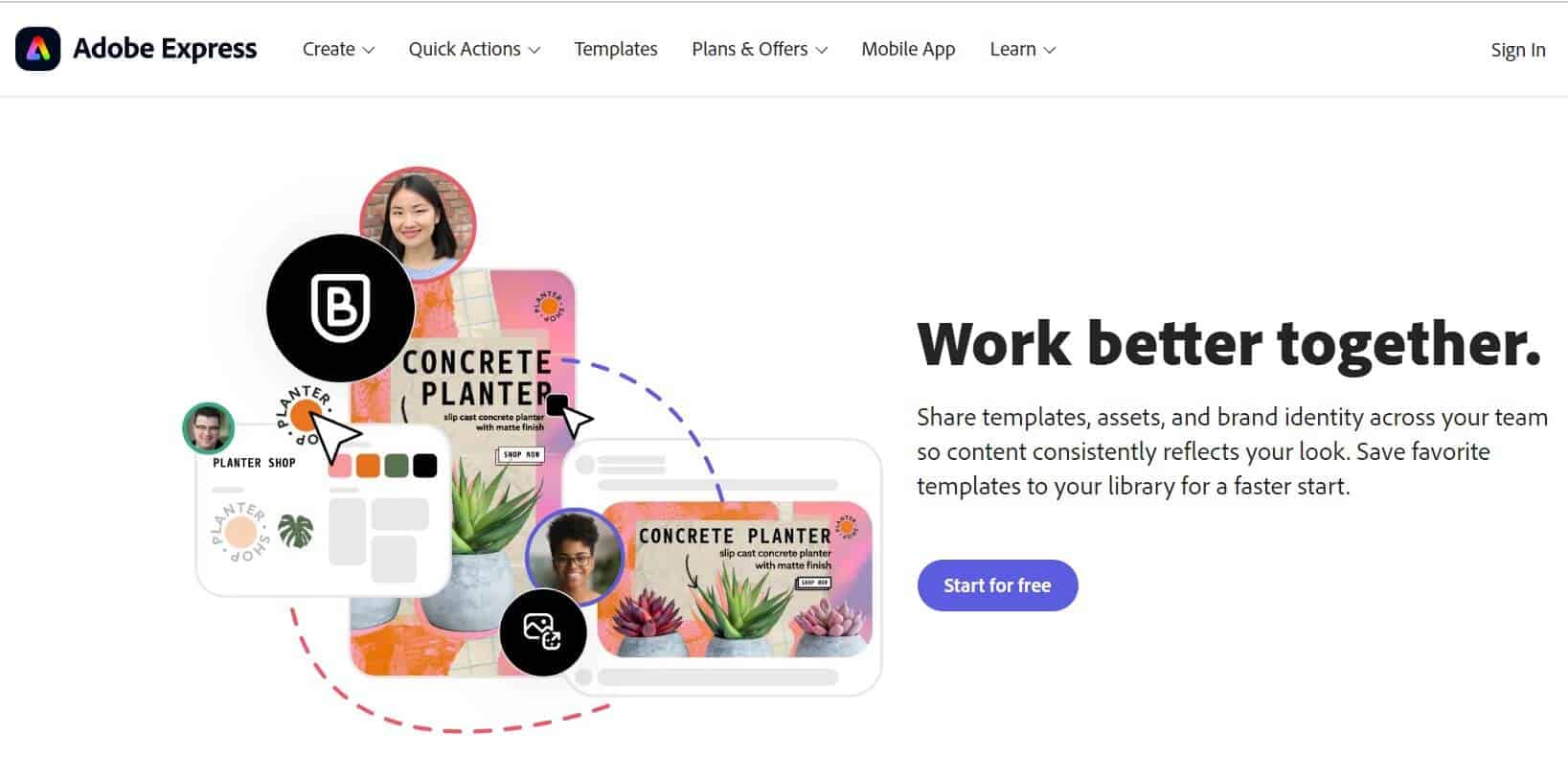
Simple interfaces make design faster and less stressful. Canva stands out with its drag-and-drop system. Adobe Express also offers easy templates and quick editing tools. More complex software like Adobe Illustrator may confuse beginners. Non-designers benefit most from tools with clear menus and helpful guides.
Design Flexibility
Some software provides many templates and elements to choose from. Canva and Adobe Express excel in offering ready-made designs. Programs like Affinity Designer allow more custom work but need skill. Design flexibility means you can create anything from logos to social posts. Choose software that matches your project variety.
Learning Curve
Software with a short learning curve saves time. Canva is known for its user-friendly approach, perfect for quick starts. Adobe Illustrator requires more practice and design knowledge. Figma offers a balance with tutorials and easy collaboration. Pick software that fits your learning speed and goals.
Customer Support
Good support helps solve problems fast. Canva provides extensive online help and community forums. Adobe offers detailed tutorials and live chat options. Some smaller tools may lack quick responses. Reliable customer support reduces frustration and keeps projects on track.
Integration With Other Tools
Connecting design software with other apps improves workflow. Canva links with social media and stock photo libraries. Adobe Creative Cloud integrates multiple Adobe apps for smooth work. Figma works well with team communication platforms. Check if your chosen software fits with tools you use daily.
Credit: www.abrightclearweb.com
Key Features To Look For
Budget-friendly graphic design software offers great value for non-designers. These options provide powerful tools without high costs. Many options include free plans and affordable subscriptions. Some even offer one-time purchases to avoid recurring fees. Testing software through trials helps find the best fit before buying.
Free Software With Robust Features
Several free graphic design tools come with strong features. They allow you to create professional designs without spending money. Tools like Canva and Gravit Designer provide templates and easy drag-and-drop interfaces. These platforms suit beginners and offer ample resources for various projects. Free options reduce financial risk while offering valuable design capabilities.
Affordable Subscription Plans
Subscription plans offer access to premium features at low monthly costs. Services like Adobe Express and Canva Pro have plans under $15 per month. These include extra templates, stock photos, and advanced editing tools. Subscriptions often come with cloud storage and mobile app access. They provide good flexibility for those who design regularly but want to save money.
One-time Purchase Alternatives
One-time purchase software avoids monthly fees. Affinity Designer and CorelDRAW offer powerful tools for a single payment. These programs provide strong editing features suitable for various design tasks. They appeal to users who prefer owning software outright. One-time purchases often include free updates for a limited time.
Trial Versions To Test
Trial versions let you try software before buying. Many paid programs offer 7 to 30 days of free use. You can explore all features during this period. Trials help you decide if the software matches your needs. Using a trial reduces the chance of spending money on unsuitable tools.

Credit: go.wpear.com
Conclusion
Choosing the right graphic design software makes creating visuals easier. Non-designers can find simple tools that fit their needs. Programs like Canva and Adobe Express offer user-friendly features. They help users make good designs without complex skills. Try different options to see which one feels best.
Design can be fun and less stressful with the right software. Start small and build your confidence over time. Good design is possible for everyone, no matter the skill level.