Filmora Review: Ultimate Guide to Powerful Video Editing Tools

Looking for a video editor that’s easy to use but still packed with powerful features? You’ve probably come across Filmora and wondered if it’s the right fit for your projects.
Whether you’re just starting out with video editing or want to create stunning content for YouTube, TikTok, or personal memories, you need a tool that feels natural and keeps up with your creativity. In this Filmora review, you’ll discover how this software balances simplicity and advanced options, what makes it stand out, and where it might fall short.
Stick around, and by the end, you’ll know if Filmora is the perfect match for your editing needs—or if you should look elsewhere.
Credit: diyvideoeditor.com
Filmora Interface
The Filmora interface stands out for its simplicity and clear design. It helps new editors start editing videos quickly without feeling lost. Each tool and feature is easy to find and use.
The layout is clean, which keeps the workspace from feeling crowded. Users can focus on their project without distractions. Filmora balances beginner-friendly design with enough features for more detailed editing.
Main Layout
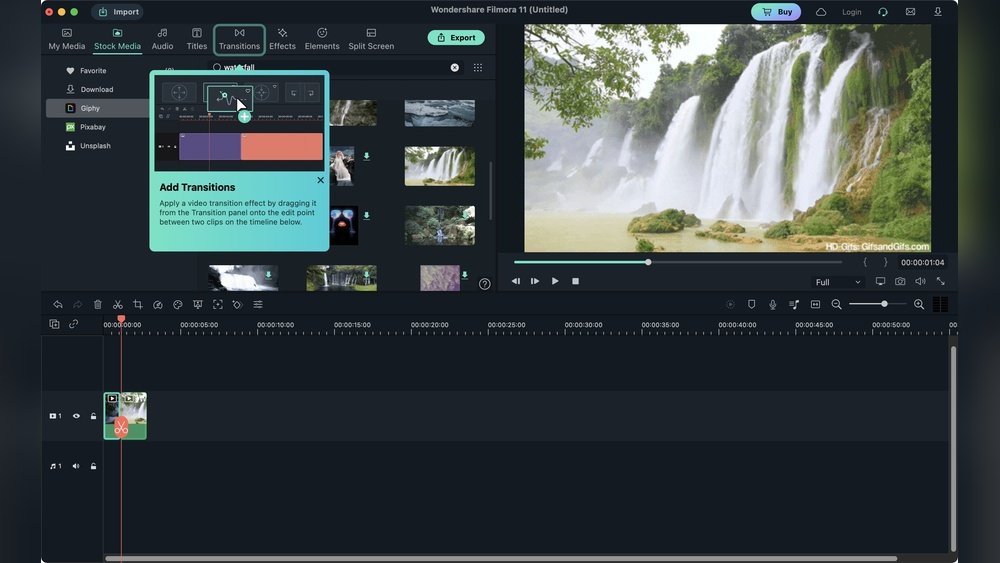
The main layout divides the screen into three parts: the preview window, media library, and timeline. The preview window shows your video in real time. The media library stores clips, images, and audio files for easy access.
The timeline at the bottom is where you arrange and edit your clips. It supports drag-and-drop, making it simple to place elements exactly where you want. The interface uses clear icons and labels to help you navigate without confusion.
Timeline Features
The timeline in Filmora offers multiple tracks for video and audio. This allows layering of clips, music, and effects smoothly. You can cut, trim, and split clips with just a few clicks.
Filmora also supports keyframing, which helps create smooth animations and transitions. Zoom controls let you adjust the timeline view for detailed edits or a broad overview. Markers help keep track of important points in your project.
Ai Toolbox
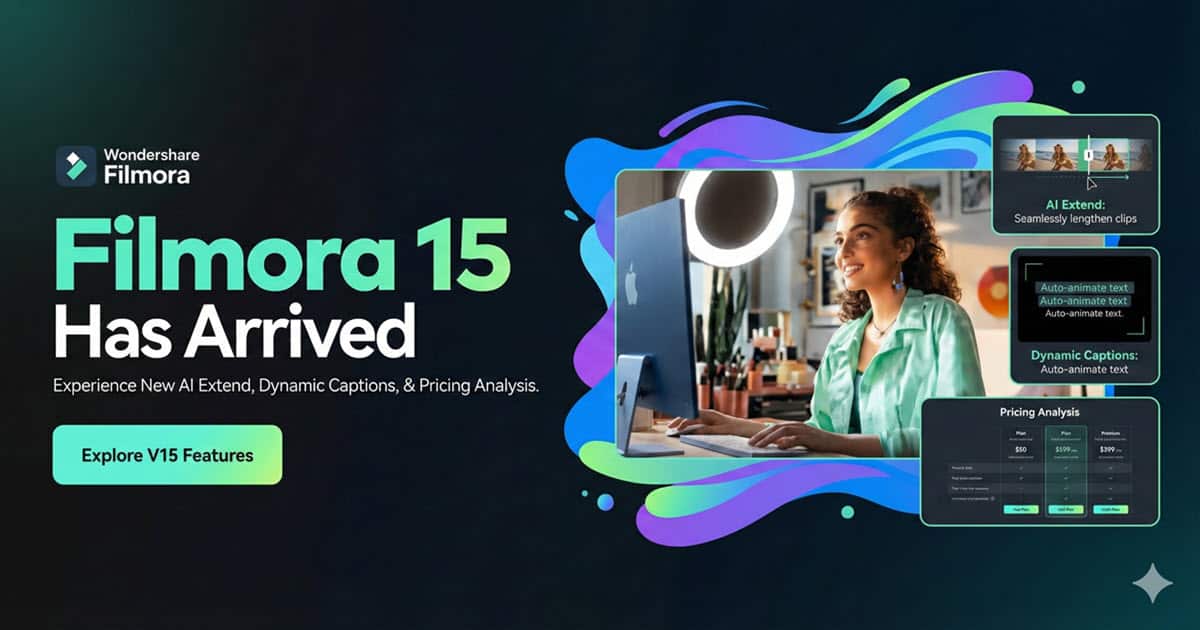
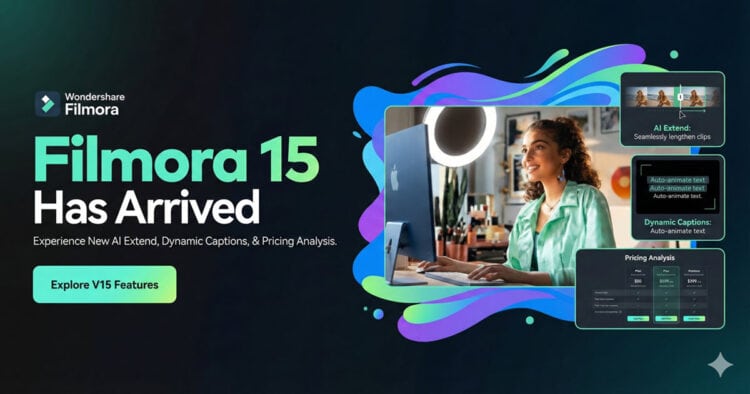
Filmora includes an AI Toolbox packed with smart editing tools. These tools speed up tasks like background removal, audio cleanup, and scene detection. The AI can create subtitles automatically, saving time on manual typing.
It also offers AI-generated background music and sound effects that match your video’s mood. These features help polish videos without needing deep editing skills. The AI tools are easy to use and fit well with the rest of the interface.

Credit: www.youtube.com
Editing Tools
Filmora offers creative features that help bring videos to life. These tools make editing easy and fun for beginners and hobbyists. They also add professional touches without complex steps. Explore how Filmora enhances your videos with smart and creative options.
Ai-generated Music And Sfx
Filmora uses AI to create music and sound effects automatically. This saves time searching for the right audio. You can customize the style and mood to fit your video perfectly. The AI generates tracks that match your scenes and actions. This feature makes your video sound better with little effort.
Color Grading Options
Color grading in Filmora lets you change the look and feel of your videos. Adjust brightness, contrast, and colors with simple controls. Choose from preset filters or create your own style. These tools help set the mood and tone. Even beginners can make their videos look polished and vibrant.
Subtitle Generation
Filmora can generate subtitles automatically using speech recognition. It detects spoken words and turns them into text on screen. This feature speeds up adding captions and improves accessibility. You can edit the subtitles easily for better accuracy. Subtitles help your audience understand videos without sound.
Creative Features
Filmora offers flexible pricing plans to suit different video editing needs. Whether you want to try it for free or commit to a paid version, there are options available. Understanding each plan helps you decide which fits your projects and budget best.
Free Version Features
The free version lets you explore Filmora’s core tools without cost. You can access basic editing functions and many effects. However, exported videos include a large watermark. This version is ideal for testing the software before buying.
Subscription Options
Subscription plans provide full access to all features and updates. They come in monthly or annual choices. Monthly plans offer flexibility but cost more over time. Annual plans save money and include extra perks like free effects packs. Subscriptions automatically renew until canceled.
Perpetual License
The perpetual license is a one-time payment for lifetime use. It includes all current features but no major future upgrades. This option suits users who prefer to avoid recurring fees. You get permanent access, but updates require extra purchase.
Credit: diyvideoeditor.com
Templates And Effects
Comparing Filmora with other popular video editors helps choose the best tool.
This section highlights key differences between Filmora and three competitors.
These comparisons focus on usability, features, and suitability for different users.
Filmora Vs Capcut
Filmora offers a desktop experience with advanced editing features.
CapCut is mostly mobile-focused, designed for quick social media clips.
Filmora provides more effects and fine control over video timelines.
CapCut excels in fast editing and easy sharing on TikTok and Instagram.
Both have free versions, but Filmora’s watermark is more intrusive.
Filmora Vs Canva
Filmora targets video editing with a strong timeline and audio tools.
Canva is a graphic design app with simple video features.
Filmora supports multi-track editing and keyframe animations.
Canva focuses on templates and drag-and-drop simplicity for beginners.
Filmora suits longer videos; Canva works well for short clips.
Filmora Vs Davinci Resolve
DaVinci Resolve is a professional-grade editor with complex features.
Filmora is easier for beginners and hobbyists to learn quickly.
Resolve offers advanced color grading and audio post-production tools.
Filmora has fewer pro tools but includes useful AI enhancements.
DaVinci Resolve is free with a steep learning curve; Filmora costs less and is user-friendly.
Conclusion
Filmora offers a simple and clear video editing experience. Its easy tools help beginners create good videos fast. The rich library of effects and templates adds fun and style. Some features may slow down with big projects. It works well for casual users and hobbyists.
Consider your needs and budget before choosing Filmora. This editor balances ease of use with useful functions. Try it to see if it fits your video goals.