Easeus Review: Ultimate Guide to Data Recovery & Backup Tools

Losing important files can be frustrating and stressful. You might wonder if there’s a simple way to get your data back without spending hours or risking further damage.
That’s where EaseUS comes in. But is it really as effective and easy to use as it claims? In this review, you’ll discover how EaseUS Data Recovery Wizard performs in real-life situations, what its strengths and weaknesses are, and whether it’s the right choice for your data recovery needs.
Keep reading to find out if this tool can save your files and your peace of mind.
Credit: www.medonemedicalgroup.com
Easeus Data Recovery Wizard
The EaseUS Data Recovery Wizard is a popular tool designed to recover lost files quickly and easily. It supports various file types and storage devices. This software is user-friendly and fits both beginners and experienced users. It aims to bring back deleted, formatted, or inaccessible data with minimal effort.
Overview And Features
EaseUS Data Recovery Wizard offers a simple interface for file recovery. It supports recovery from hard drives, USB drives, memory cards, and more. The tool recovers photos, videos, documents, emails, and audio files. Key features include quick scan, deep scan, file preview, and selective recovery. It also supports recovering from system crashes and accidental deletions.
Legitimacy And Safety
EaseUS is a well-known company with over 15 years of experience. Their software is widely trusted by millions worldwide. The recovery process does not harm your device or data. It operates in read-only mode to avoid overwriting lost files. The software is free from viruses and malware, ensuring user safety.
How It Works
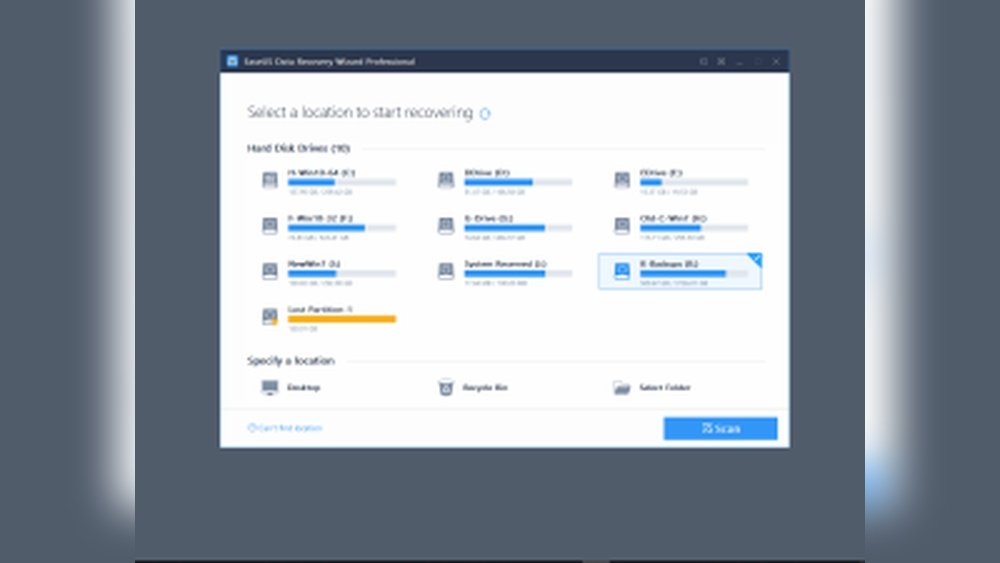
Users start by selecting a location to scan for lost files. The software performs a quick scan to find recently deleted files. If needed, it proceeds with a deep scan to locate more hidden data. After scanning, users can preview recoverable files. Finally, selected files can be restored to a safe location.
Quick Scan Vs Deep Scan
The quick scan targets recently deleted files and takes a few minutes. It is useful for simple recovery cases. The deep scan digs deeper into the storage device. It finds files lost due to formatting or corruption. This scan takes longer but recovers more data. Both scans complement each other for better results.
File Preview And Restoration
Before recovery, users can preview files to check their condition. This helps avoid restoring unwanted or corrupted files. The preview supports images, videos, documents, and more. After previewing, users choose which files to restore. Restored files should be saved to a different drive to prevent overwriting.
Pricing And Free Version Limits
EaseUS offers a free version with a 2GB recovery limit. This version allows scanning and previewing all files. To recover more data, users must upgrade to the paid plan. Paid plans include monthly, yearly, and lifetime licenses. Prices vary based on features and support options. The free version suits small or occasional recoveries.

Credit: www.youtube.com
Performance And Testing
The Backup Tools in EaseUS Suite offer reliable solutions for data protection. These tools help users secure their files quickly and safely. EaseUS focuses on simplicity and efficiency in backing up data.
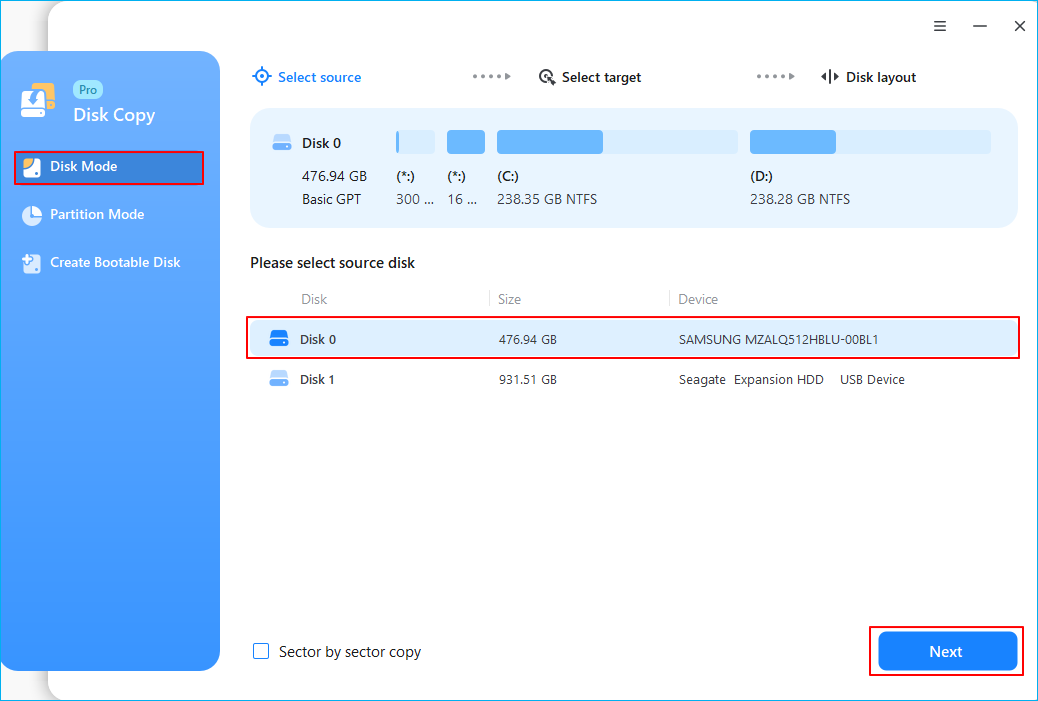
Users can create backups for entire systems, specific files, or selected folders. The software supports scheduled backups to keep data updated automatically. It also allows easy restoration of data when needed, reducing downtime.
Key Backup Features
EaseUS provides full, incremental, and differential backups. Full backup copies everything, while incremental saves only changes. Differential backups copy all changes since the last full backup.
The suite supports backup to local drives, external devices, and cloud storage. Users can compress backup files to save space. Encryption options protect backup data from unauthorized access.
Scheduling backups is simple, with options for daily, weekly, or monthly runs. The software sends notifications to confirm backup status. This feature helps users stay informed about their data safety.
Integration With Recovery Tools
Backup tools in EaseUS seamlessly work with the suite’s recovery software. This integration allows quick restoration from backup files without extra steps. Users can recover entire systems or selected files easily.
The recovery tools support various storage devices, including hard drives and USBs. They also handle different file systems, making recovery flexible. The combined tools provide a smooth backup and restore experience.
EaseUS also offers a bootable media creation feature. This helps recover systems that cannot start normally. It adds an extra layer of security for critical data recovery situations.
Comparisons With Competitors
Compared to other backup solutions, EaseUS stands out for its user-friendly interface. It requires less technical knowledge than many competitors. This makes it suitable for beginners and casual users.
Some competitors offer more advanced features but can be complex to use. EaseUS balances features and simplicity well. It provides most essential backup functions without overwhelming users.
Pricing is competitive, especially considering the included recovery tools. Some rivals charge extra for similar recovery options. EaseUS delivers good value for users needing both backup and recovery.

Credit: www.youtube.com
Conclusion
EaseUS offers a simple and effective solution for data recovery. It works best for recently deleted files on healthy drives. The user interface is clean and easy to navigate. Free version limits actual recovery but helps preview files. Pricing may be high for some users compared to alternatives.
Support responds quickly to activation issues. Advanced users might prefer other tools for complex cases. Overall, EaseUS is a solid choice for basic data recovery needs. Try it if you want straightforward help without technical hassle.