Best Video Editing Tools for Youtube Beginners: Top Picks 2026

Starting your YouTube channel is exciting, but figuring out how to edit your videos can feel overwhelming. You want your content to look great, catch viewers’ attention, and grow your audience—but which video editing tools are the best fit for you as a beginner?
Don’t worry, you’re not alone. Choosing the right software can make all the difference in how smoothly your editing goes and how professional your videos look. You’ll discover easy-to-use, powerful video editing tools designed to help you create stunning YouTube videos without the headache.
Ready to find the perfect editing tool that matches your skills and goals? Keep reading to unlock your channel’s full potential.
Top Video Editors For Beginners
Starting a YouTube channel is exciting but editing videos can feel tough. The right video editor makes a big difference. Beginners need tools that are simple yet powerful. This helps create videos that look great without confusion.
Many video editors offer easy controls, helpful features, and good tutorials. Some are free, while others require payment. Mobile-friendly options also let you edit on the go. Let’s explore top video editors for beginners to find the best fit.
Free Video Editing Software
Free editors are perfect for beginners who want to learn without cost. iMovie is popular for Mac users. It offers easy drag-and-drop tools and good effects. Windows users can try Shotcut, which supports many formats and has a simple interface.
DaVinci Resolve is another free option with advanced features. It suits beginners aiming to grow skills over time. These free editors provide basic tools to trim, cut, and add music or text.
Paid Video Editing Software
Paid software offers more features and better support. Adobe Premiere Pro is widely used by YouTubers. It has many effects, transitions, and color tools. The interface is user-friendly but may take some practice.
Final Cut Pro works well for Mac users wanting fast performance. It handles large files smoothly and includes powerful editing options. Paid editors often include tutorials and updates to improve your experience.
Mobile-friendly Editors
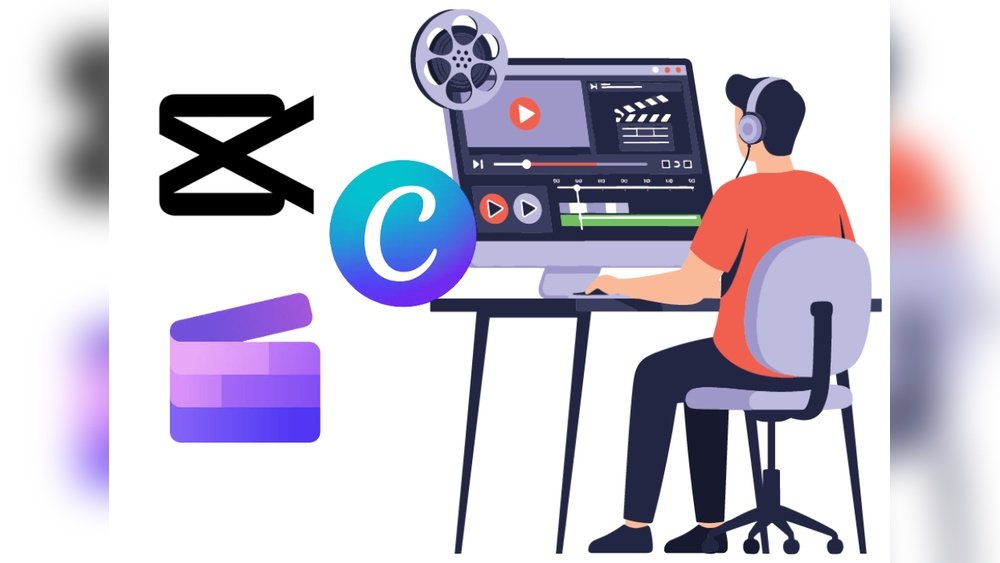
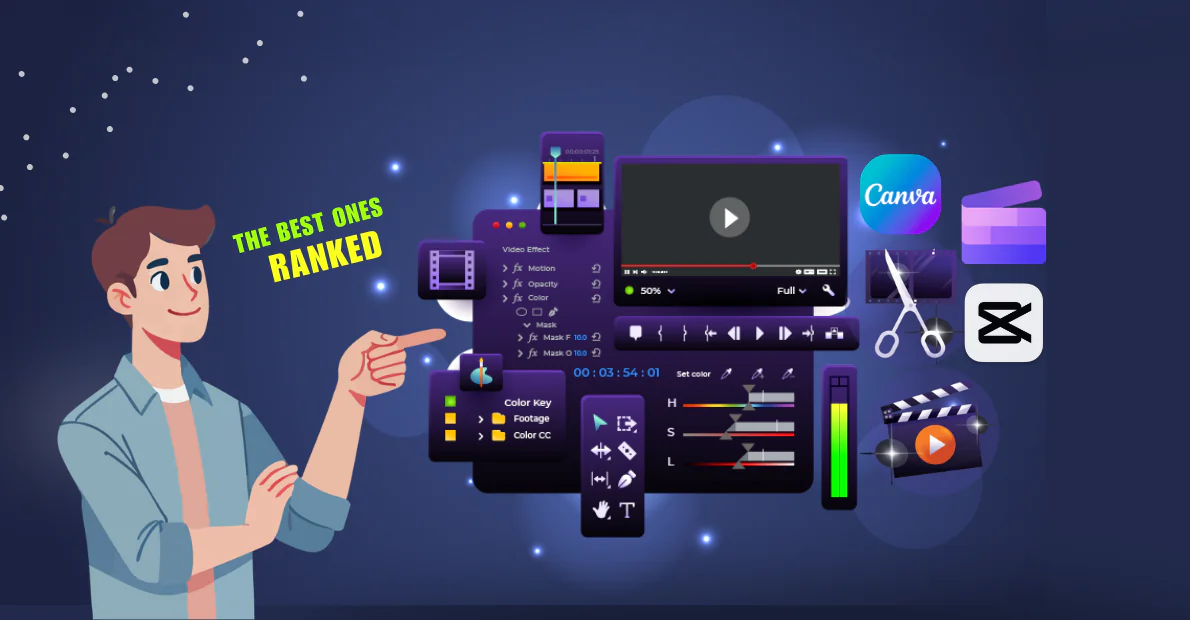
Mobile editors allow editing videos anywhere with a phone or tablet. CapCut is popular for easy editing on mobile devices. It includes fun effects, text, and music options.
InShot is another simple app for quick edits. It supports cropping, filters, and adding soundtracks. Mobile editors help beginners create content without a computer, making video editing flexible and accessible.
Credit: www.lenostube.com
Key Features For Youtube Editing
Choosing the right video editing tool starts with understanding key features. These features help create engaging and polished videos for YouTube. Beginners benefit from tools that simplify complex tasks. They also need options that save time and boost creativity. Four main features stand out as essential for YouTube editing.
User-friendly Interface
A simple and clear interface makes editing easier for beginners. It reduces confusion and speeds up the learning process. Tools with drag-and-drop functions help users place clips and effects quickly. Clear menus and icons guide users through editing steps. This feature allows creators to focus on their story, not the software.
Templates And Effects
Templates provide ready-made designs for intros, outros, and transitions. Effects add visual interest and style to videos. Beginners can use these to enhance their content without advanced skills. Many tools offer customizable templates to fit different video types. Effects like filters, animations, and text overlays make videos more dynamic.
Audio Editing Capabilities
Good audio is vital for clear communication on YouTube. Editing tools should allow noise reduction and volume control. Adding background music or voiceovers improves viewer engagement. Simple audio tools help beginners sync sound with video easily. Options to fade audio in and out create smooth transitions.
Export Options And Formats
Exporting videos in the right format ensures compatibility with YouTube. Tools should support popular file types like MP4, MOV, and AVI. Fast export speeds save time during video production. Some editors offer presets optimized for YouTube uploads. Quality settings allow balance between file size and video clarity.
Comparing Popular Editors
Choosing the right video editor helps beginners create appealing YouTube content. Each tool offers unique features suited for different needs and skill levels. Comparing popular editors shows which fits your style and goals best. This guide covers top options from simple to advanced editors.
Imovie For Apple Users
iMovie is free for Mac and iOS users. It has a simple interface with drag-and-drop editing. Beginners find it easy to trim clips and add transitions. It supports 4K video and basic color correction. iMovie works well for family videos and longer projects.
Capcut For Quick Edits
CapCut is popular for fast editing on mobile devices. It offers easy cutting, filters, and text overlays. Many YouTubers use it for short vlogs and social media clips. CapCut’s simple tools help create engaging videos quickly. It supports exporting in various resolutions.
Final Cut Pro For Advanced Editing
Final Cut Pro suits users moving beyond basics. It offers powerful features like multi-cam editing and advanced color grading. The software handles long videos and complex projects smoothly. It integrates well with other Apple apps. Final Cut Pro requires more learning but gives great control.
Adobe Premiere Pro For Professionals
Adobe Premiere Pro is a top choice for serious creators. It supports multiple video and audio tracks. The software offers extensive effects, transitions, and color tools. Premiere Pro works across Windows and Mac. It fits well for monetized channels and team collaborations.
Canva’s Video Editor For Graphics
Canva’s video editor helps add graphics and text easily. It suits users focusing on thumbnails, intros, and simple edits. The tool includes templates for YouTube videos and social media. Canva is web-based and beginner-friendly. It’s great for adding visual flair without complex editing.

Credit: www.lenostube.com
Choosing Tools By Skill Level
Choosing the right video editing tool depends on your current skill level. Beginners need simple and easy-to-use software. Intermediate editors want more features and flexibility. Pro creators require powerful tools with advanced options. Picking tools by skill helps avoid frustration. It also speeds up the learning process. This guide breaks down the best picks for each level.
Beginners’ Best Picks
Beginners should focus on tools with clear interfaces. iMovie is ideal for Mac users. It offers basic editing and smooth performance. CapCut works well on mobile and desktop. It supports fast editing for short videos. Canva’s video editor is great for simple clips and graphics. These tools help beginners create content without confusion.
Intermediate Options
Intermediate editors need more control over video effects. Final Cut Pro suits Mac users ready to explore advanced features. It supports multi-track editing and color correction. DaVinci Resolve offers professional-grade tools for free. It is perfect for color grading and audio editing. These programs help users improve skills and make polished videos.
Tools For Pro Creators
Pro creators require software with extensive capabilities and team support. Adobe Premiere Pro is the industry standard for professional editing. It handles complex projects and integrates with other Adobe apps. Avid Media Composer is ideal for high-end film and TV production. These tools offer customization, collaboration, and top performance.
Budget-friendly Options
Choosing the right video editing tool is crucial for new YouTubers. Budget-friendly options help beginners create quality videos without heavy costs. Many tools offer powerful features at no or low price. Understanding software types and payment plans can save money and improve editing skills.
Free Software With Premium Features
Several free editors provide advanced features suitable for beginners. Tools like DaVinci Resolve and HitFilm Express stand out. They offer color correction, effects, and multi-track editing. These programs allow users to learn without upfront costs. Free software often includes tutorials to help users start quickly.
Affordable Paid Editors
Paid editors usually cost less than professional-grade software. Options like Filmora and Movavi balance price and features well. They include easy drag-and-drop interfaces and built-in effects. These editors simplify editing for beginners while offering room to grow. The cost is low enough for most budgets.
Subscription Vs One-time Purchase
Editing software may require monthly fees or a single payment. Subscriptions like Adobe Premiere Pro offer constant updates and cloud storage. One-time purchases such as CyberLink PowerDirector provide permanent access. Beginners should consider how often they edit videos. Subscription plans suit frequent editors, while one-time purchases fit casual users.
Tips For Efficient Editing
Efficient editing saves time and improves video quality. It helps beginners create content faster. Following simple tips makes the process smooth and less stressful.
Good editing habits build a strong foundation for future projects. These tips focus on organizing, using shortcuts, and balancing quality with speed.
Organizing Your Footage
Start by sorting your clips into folders. Name files clearly with dates or topics. This method avoids confusion and saves search time.
Use labels or tags to mark important clips. Group similar shots together for easy access. A tidy project helps maintain focus during editing.
Using Shortcuts And Presets
Learn keyboard shortcuts to speed up editing tasks. Basic commands like cut, copy, and paste reduce mouse use. Many editors offer customizable shortcuts.
Presets save settings for effects and transitions. Use them to apply styles quickly across clips. This approach keeps your videos consistent and professional-looking.
Balancing Quality And Speed
Choose the right export settings for your content. High resolution looks good but takes longer to render. Lower settings speed up the process but reduce clarity.
Preview your edits in lower quality to save time. Switch to full quality only before final export. This balance improves workflow without sacrificing video quality.
Additional Tools For Youtube Creators
YouTube creators benefit from more than just video editors. Additional tools help improve video quality and attract viewers. These tools make content more professional and engaging. They save time and simplify the production process. Here are some key tools every beginner should consider.
Thumbnail Makers
Thumbnails catch viewers’ attention before they click. Good thumbnails increase video views. Many thumbnail makers offer easy templates for beginners. These tools allow adding text, images, and effects quickly. Canva and Snappa are popular, user-friendly options. They help create eye-catching thumbnails without graphic design skills.
Audio Enhancers
Clear audio improves viewer experience. Audio enhancers remove background noise and balance sound levels. Audacity is a free, simple tool for beginners. It offers noise reduction and audio effects. Adobe Audition provides more features for those ready to invest. Using audio enhancers makes videos sound professional and pleasant to listen to.
Screen Recording Software
Screen recording software captures computer screens for tutorials or gameplay. OBS Studio is a free, reliable choice with many features. Camtasia offers easy editing and recording combined in one tool. These programs help create clear and smooth videos. Screen recordings add value to educational and gaming channels.

Credit: www.lenostube.com
Conclusion
Choosing the right video editing tool can shape your YouTube journey. Start simple, then explore more features as you grow. Many tools offer free versions to try. Focus on ease of use and what fits your style. Practice often to improve your editing skills.
Enjoy creating videos that share your story and connect with viewers. Keep experimenting, and your channel will improve over time.