Best Project Management Software for Small Business Teams

Trello, Asana, and ClickUp are project management software options that handle task coordination and team collaboration for small business teams without unnecessary complexity. Trello works best for simple visual boards, Asana fits teams that need structured lists and deadlines, and ClickUp suits groups wanting many features inside one screen. Your pick depends on how your group already shares updates and tracks daily work.
Which Tool Fits Your Team’s Workflow?
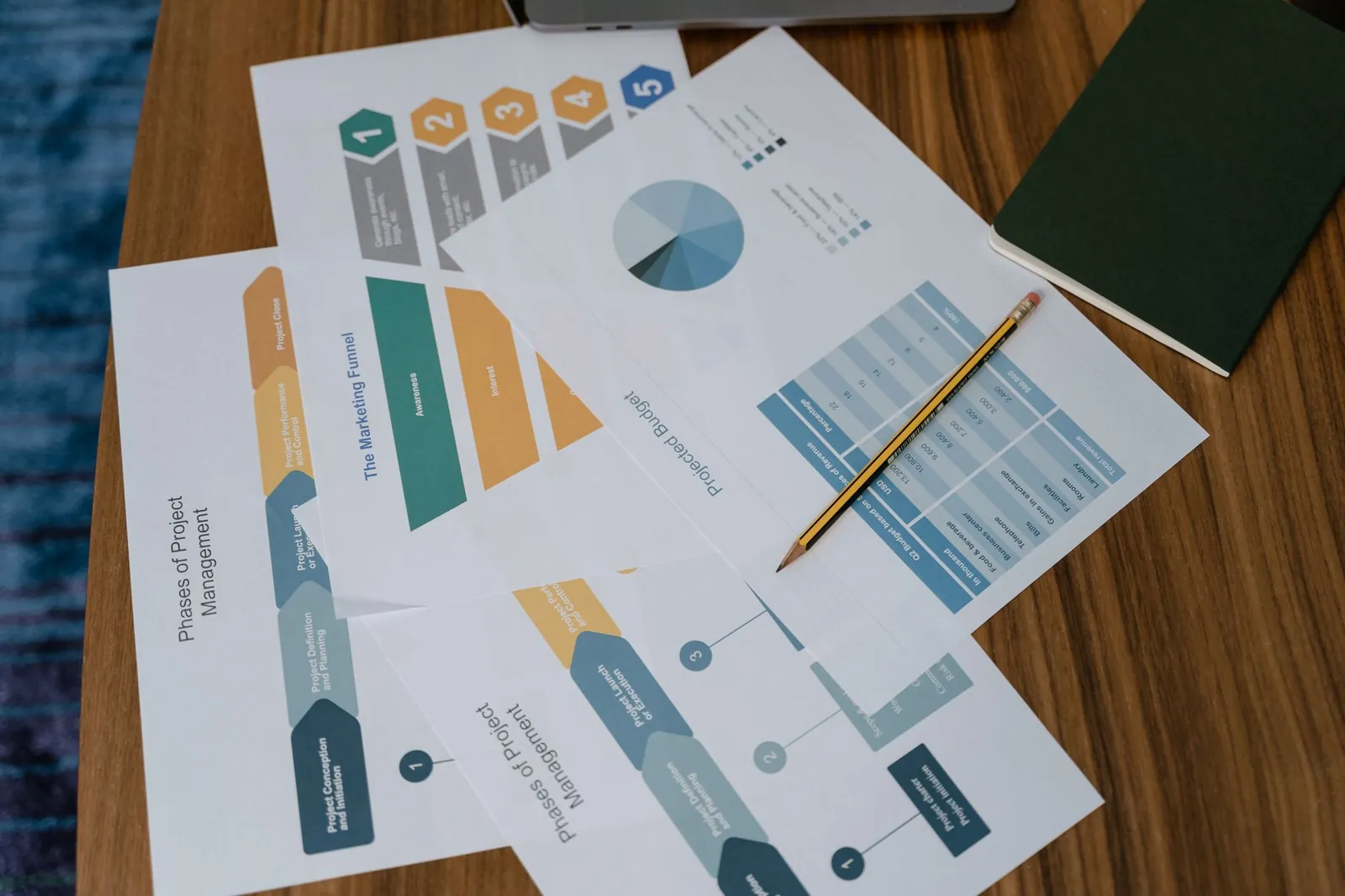
The right project management software for a small business team matches the way you already assign work and check progress. If your group talks mostly through quick messages and sticky notes, a heavy platform will just slow everyone down. Pick the shape that feels closest to your current habits.
- Trello uses cards on a board. You drag a card from “To Do” to “Done.” It’s ideal if your projects have clear, simple stages like writing, editing, and publishing.
- Asana relies on lists, timelines, and assigned tasks with due dates. Choose it when multiple people depend on each other’s finished work before they can start theirs.
- ClickUp puts documents, goals, and tasks in one place. It fits teams that want everything together, though it takes longer to learn than the others.
If your projects rarely change steps once they start, go with Trello.
Tip: Start with the free plan of your top choice and run one real project through it before inviting the whole group.
How Do the Costs and Limits Compare?
Free plans cover basic needs, but every tool hides its most useful features behind a paid tier. The table below shows what changes when you move from free to the first paid level for a small group.
| Feature | Trello (Standard) | Asana (Starter) | ClickUp (Unlimited) |
|---|---|---|---|
| Best for | Visual boards | Structured lists & dependencies | All-in-one workspace |
| Free plan limit | 10 boards per workspace | 10 users, basic views | Unlimited tasks, limited storage |
| Paid additions | Unlimited boards, custom fields | Timeline view, workflow builder | Unlimited storage, guest access |
| Learning curve | Low | Medium | High |
You give up simplicity when you choose a tool packed with features. Trello stays out of your way, yet you’ll hit its limits fast if you need to track hours.
Is Free Project Management Software Enough for Small Groups?
Yes, a free plan is enough if your team has fewer than ten people and your projects don’t require tracking billable hours or strict approval steps. Once you need those extras, the free version becomes a barrier rather than a help.
Free tiers usually cap the number of active projects or the amount of file storage you can use. When you hit that ceiling, you can’t see older work easily or attach large design files to your tasks. A group handling physical products or detailed designs runs into these storage limits within weeks. Service-based teams sending text updates might stay on a free plan much longer.
Check the exact rules published by each company on their pricing pages, because free allowances change frequently.
What Mistakes Ruin the Setup?
Why does nobody update their tasks after the first week?
This happens when the setup requires too many clicks to mark something done. Keep your board columns or list categories under five items so updating takes seconds instead of minutes.
Why do we still miss deadlines even with reminders turned on?
Reminders fail when every single task gets the same priority level. Assign clear due dates only to the final deliverables, and leave internal drafts without hard alerts so the important notifications stand out.
Why does the tool feel disconnected from our accounting software?
Task coordination platforms don’t naturally talk to your financial tools unless you connect them deliberately. If you also use separate invoicing software or accounting software for billing, you’ll need to link them manually or copy data between screens. Ignoring this gap means your project progress won’t match your payment records.
Don’t try to force one platform to handle everything your business does. Your CRM software manages customer relationships, your email marketing software handles outreach, and your project tool should strictly track who is doing what by when. Mixing those jobs inside one screen creates confusion.
Who Should Avoid These Platforms Entirely?

These tools aren’t built for solo freelancers who only juggle two or three clients at a time. If you’re working alone, a simple text document or a calendar app does the same job without the extra noise. They also struggle with highly regulated industries where every file change requires formal compliance sign-offs.
If your team communicates mostly by walking over to someone’s desk, adding a digital layer might create duplicate work instead of saving time.
Pick one platform today and build a single board for your busiest ongoing project. Invite just two colleagues to test it for a week before rolling it out to everyone else.
How do we decide if a project is too big for these tools?
If you find yourself needing to track more than 50 active tasks at once, or if your team must manage complex dependencies where five tasks depend on one single milestone, standard small business tools start to lag. If your project involves long-term planning across multiple years, these platforms lack the structural depth to handle such large datasets reliably.
How do I know if my team is ready for paid features?
You’re ready to pay for an upgrade when your team spends more than 30 minutes each week manually moving data from one tool to another. The table below outlines common triggers that suggest it’s time to move beyond the free tier.
| Trigger | Impact on Team | Recommended Action |
|---|---|---|
| Manual data entry | Lost time and errors | Use paid automation features |
| Storage warnings | Files become inaccessible | Upgrade for extra gigabytes |
| Guest access needed | Clients can’t see progress | Pay for external collaborator seats |
| Complex reporting | No view of team capacity | Enable paid dashboard views |
Can I use these tools for inventory or stock management?
These platforms aren’t designed to track physical inventory, stock levels, or warehouse locations. Use dedicated inventory software for those tasks.
Related guides
Frequently Asked Questions
Can I migrate my data from one platform to another if I change my mind?
Most platforms allow you to export your data into a CSV or JSON file, but you’ll lose your board layouts, comments, and file attachments during the move.
Do these tools work for teams that aren’t in the same office?
Yes, these platforms are designed for remote work and sync automatically across all devices. Because every action happens in the cloud, someone in a different time zone sees the same updates when they log in.
Is it safe to store sensitive client documents in these tools?
These platforms use industry-standard encryption for data at rest and in transit, but they aren’t equivalent to a secure file vault. Avoid uploading highly confidential information like tax forms, bank details, or passwords, as these tools aren’t designed for long-term secure archival.
Choose the simplest platform that meets your current needs rather than the one with the most features. Start by mapping out your team’s most frequent workflow, then pick the tool that supports that specific process with the fewest number of clicks.