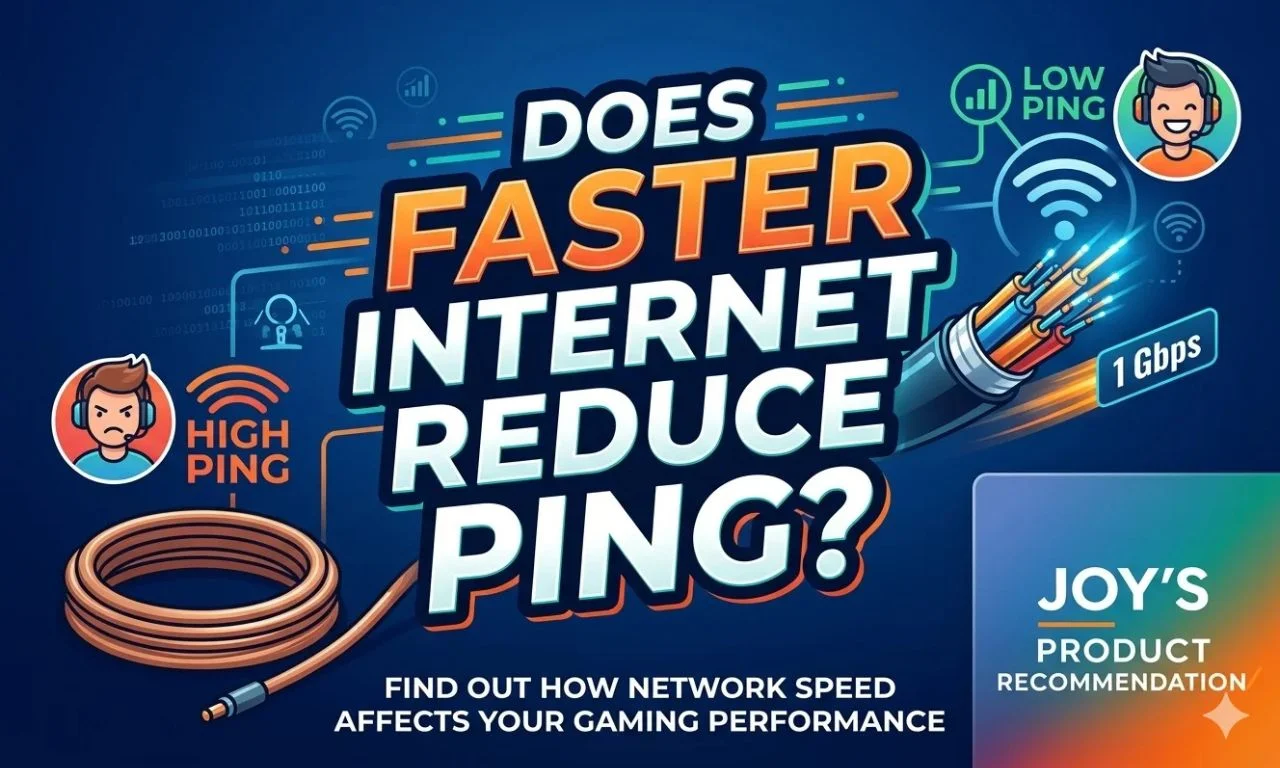
Does Faster Internet Reduce Ping? Speed vs Latency Explained

Upgrading to a faster internet plan is the most common response to high ping in online games. It is also, in most cases, the wrong solution. This guide explains exactly what internet speed and ping measure, why they operate independently, and what actually determines your gaming latency.
What Internet Speed and Ping Actually Measure
Internet speed and ping measure two completely different properties of your connection. Treating them as the same metric is the root cause of most confusion around gaming performance.
Internet Speed (Bandwidth)
- Measured in Megabits per second (Mbps)
- Describes maximum data throughput
- Determines download and upload capacity
- Affects how fast large files transfer
- Higher is better for streaming and downloads
Ping (Network Latency)
- Measured in milliseconds (ms)
- Describes the round-trip time for each packet
- Determines the responsiveness of connections
- Affects real-time interaction speed
- Lower is better for online gaming
Internet speed, or bandwidth, measures the volume of data your connection can transfer per second. Ping, also called network latency or round-trip time (RTT), measures how long a single data packet takes to travel from your device to a server and return. One is a volume measurement. The other is a time measurement. Increasing volume does not change time.
Bandwidth is like
More lanes allow more cars to travel simultaneously. But adding lanes does not change the speed limit or reduce the travel time for any individual car.
Ping is like
The speed limit determines how quickly a single car reaches its destination. More lanes do not affect it. Distance and road quality do.
The Most Common Misconceptions With It’s Reality
How Speed and Ping Interact
Online Games Use Minimal Bandwidth
Online multiplayer games consume a fraction of the bandwidth that streaming services use. Most competitive online games require between 1 Mbps and 10 Mbps of stable bandwidth during active play. A 25 Mbps internet connection provides sufficient bandwidth for online gaming with bandwidth to spare. A 1 Gbps connection offers no ping advantage over a 25 Mbps connection for the same game on the same server.
Where Bandwidth Does Affect Gaming Performance
Bandwidth saturation creates a condition called bufferbloat. When your connection operates at or near its maximum capacity, packet queues build up in your router or modem. Queued packets wait before transmission, adding latency on top of your baseline ping. In this specific scenario, increasing bandwidth reduces bufferbloat by giving packets more room in the queue.
Bufferbloat produces the same symptoms as high ping but has a different cause. It appears as ping spikes during downloads or heavy network activity. The fix is either more bandwidth, QoS rules that prioritize gaming traffic, or a router with active queue management (AQM) support.
Upload Speed Matters More Than Download for Gaming
Online game clients send your inputs to the game server through your upload connection. Your character movements, aiming data, and actions travel upstream continuously during play. If your upload bandwidth is saturated by other processes such as cloud backups, video streaming, or other devices uploading content, game packets queue and arrive at the server with delay.
Upload speed is typically the more constrained resource on asymmetric cable and DSL connections. A connection with 500 Mbps download and 20 Mbps upload can experience gaming latency issues from upload saturation even while download bandwidth remains abundant.
When Faster Internet Does Improve Ping
Switching Connection Technology, Not Just Speed
Upgrading your internet plan helps ping when the upgrade involves changing the connection technology itself, not just the speed tier. Moving from ADSL to cable, from cable to fiber, or from a 4G home broadband connection to fiber all change the physical medium and infrastructure. Each of these technologies carries different baseline latency characteristics unrelated to the speed figure on your plan.
Fiber optic connections achieve lower baseline latency than cable connections because fiber carries signals at close to the speed of light with minimal signal degradation. The improved latency comes from the cable type, not from the Mbps number attached to the plan.
When Your Current Plan Is Genuinely Saturated
If your household consistently saturates its available bandwidth through simultaneous streaming, gaming, video calls, and large downloads, increasing bandwidth reduces the bufferbloat that causes latency spikes. However, in this scenario, the improvement comes from eliminating saturation, and the same result is achievable through QoS setting configuration, scheduling large downloads outside gaming hours, or limiting background bandwidth consumption.
- Switching from DSL to fiber reduces baseline latency through better infrastructure
- Moving from satellite to fiber eliminates propagation delay entirely
- Upgrading a genuinely saturated connection reduces bufferbloat during heavy usage
- Moving from shared cable infrastructure to dedicated fiber reduces peak-hour congestion
What Actually Determines Your Ping
Physical Distance to the Game Server
The geographic distance between your device and the game server sets a hard lower bound on achievable ping. Data travels through fiber optic cables at approximately 200,000 kilometers per second. A server 5,000 kilometers away produces a minimum one-way latency of around 25 ms from propagation delay alone, before any routing overhead is added. No bandwidth increase changes this physical constraint.
Network Routing and Hop Count
Data packets rarely travel directly from your device to a game server. They pass through multiple intermediate routers called network hops. Each hop adds processing and forwarding delay. Suboptimal routing paths, poor peering agreements between ISPs, and congested transit links all add latency at specific points in the path. Traceroute analysis reveals where the delay accumulates along this path.
Local Network Hardware
Your router processes every outgoing packet before it reaches your ISP. Consumer routers with limited processing capacity create internal queuing delays. Wireless connections add variable latency from signal interference, retransmission, and channel contention. These are hardware and configuration factors completely separate from your internet plan speed.
ISP Network Infrastructure and Peering
The quality of your ISP’s internal network and its peering relationships with gaming network operators determines how efficiently your packets reach their destination. Some ISPs route traffic through fewer, better maintained transit points. Others use cheaper, longer routing paths that add latency regardless of the speed tier you subscribe to.
Switching to an ISP with direct peering agreements with major gaming network operators such as Cloudflare, Akamai, or AWS often produces measurable ping reductions without any speed plan change.
Game Server Location and Load
The game’s matchmaking system determines which server region handles your session. Server regions closer to your physical location produce lower ping. Server load affects server side processing time, adding latency independent of your connection quality. Both of these factors remain outside your control, regardless of your internet plan.
What to Do Instead of Upgrading Your Internet Plan
Before spending more on a faster internet plan, work through each factor that actually controls gaming latency.
Switch from Wi-Fi to a wired Ethernet connection. This single change eliminates wireless interference, reduces packet loss, and removes 5 to 30 ms of variable wireless latency from your connection. Connect your router to the same game server region before and after to confirm the improvement with measured ping data.
Enable Quality of Service (QoS) rules on your router to prioritize outgoing gaming traffic over background processes. This prevents large downloads and streaming traffic from saturating your upload bandwidth during gaming sessions and eliminates bufferbloat as a latency source.
Check your DNS server configuration. Switching from your ISP’s default DNS to a low-latency resolver such as Cloudflare DNS (1.1.1.1) or Google DNS (8.8.8.8) reduces connection establishment time and can improve initial server connection latency.
Use traceroute to identify high-latency hops in your network path. If a specific hop between your device and the game server consistently adds 30 ms or more, the issue is ISP routing or transit infrastructure, which a speed upgrade from the same ISP will not resolve.
Changing your DNS server, switching to Ethernet, and enabling QoS rules costs nothing. These three steps address the most common real-world causes of high gaming latency before any hardware or plan upgrade is warranted.